

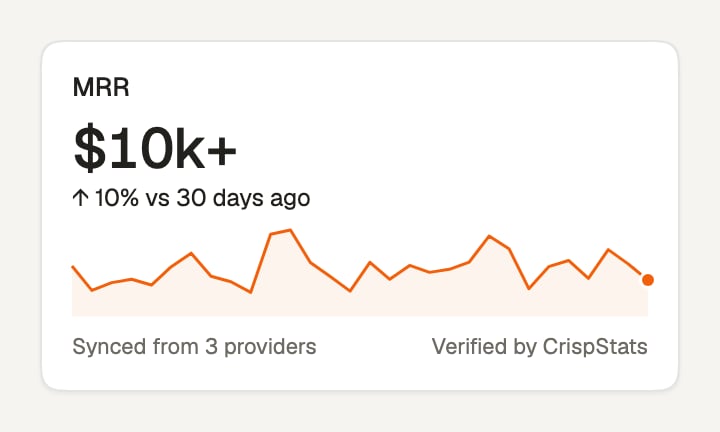
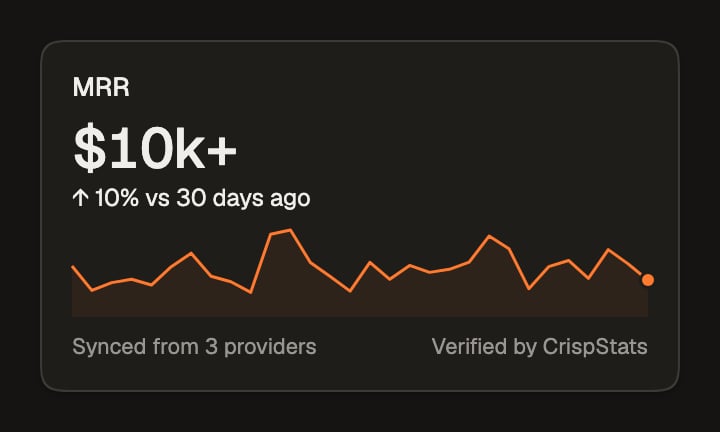
Verified revenue card
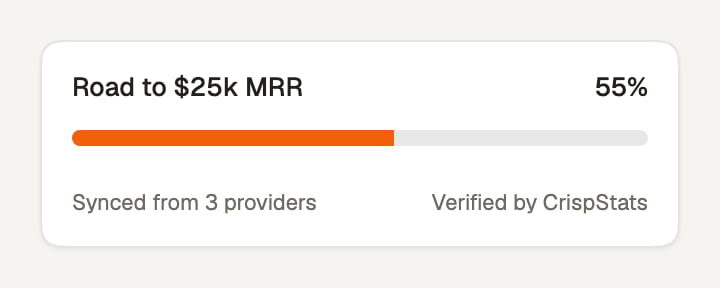
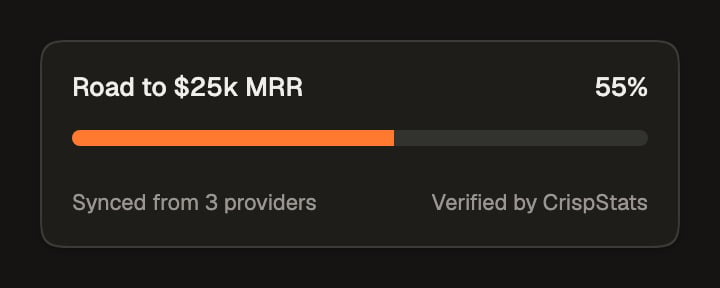
Road to MRR goal
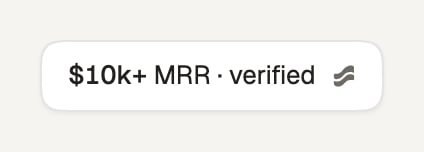
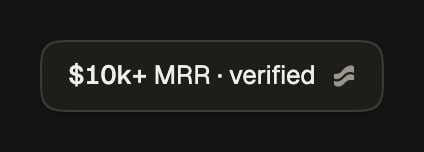
Verified revenue pill
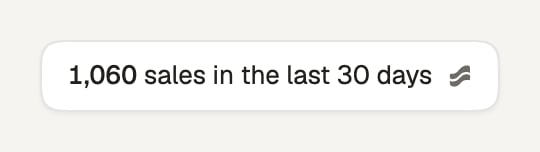
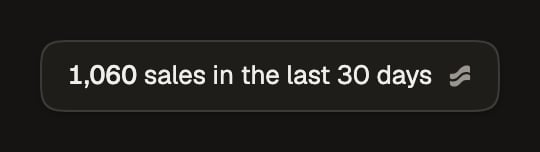
Sales count
Which payments count
A payment counts toward a revenue or sales widget when all of these are true:- CrispStats read it from the provider’s own API with the key you connected in Settings, Revenue. Every provider connected with a key is read this way: new payments as they arrive or on the provider’s regular check, and past ones by history import.
- The provider marked it live. Test-mode and sandbox payments never count.
- The provider is still connected. If you disconnect it, its payments stop counting, past ones included, and a widget left with no verified payment turns off.
- It is in the site’s currency. Payments in other currencies are left out, and the proof page says so.
Payments stored before you connected a key count once you connect the provider with a live key; the history import reads them back. Creem and RevenueCat are the exception: their key connections store payments under other ids, so the import starts after the newest payment already stored, and older payments from a connection made by hand stay unverified. If a key was missing a permission when you connected, add it and run Import again. Each provider’s page lists the permissions its key needs.
MRR or revenue
MRR here is the same figure as on the Revenue screen, restricted to verified payments. A yearly plan paid in the last 31 days counts in full for that month, so an annual renewal makes MRR jump and fall back a month later.
How much it shows
Display decides how precise the public figure is. The default is a band.
A pill names the providers when its size has room, then counts them (
verified by 3 providers), then says verified alone; screen readers always hear every provider. The card names them in its footer: Synced from Stripe.
A band is the largest of 1, 2.5 or 5 times a power of ten that your figure has reached: $12,480 shows as `$10k+, $26,000 as $25k+` and $999 as $500+. The real figure is at or above the band, and the proof page says so.
Floors keep a small business from showing more than it means to. Until 3 verified payments exist, every display shows Verified only. A band also needs at least 100 in the main unit of your currency, and growth needs a figure 30 days earlier (or in the period before) to compare with; until then they show Verified only too. With one provider the line names it (Stripe); with two it names both; with more it counts them (3 providers).
Badges, which anyone can copy and keep, show a band or growth only: an exact figure is refused for the badge layout.
Goal turns the widget into a progress bar toward an amount you set, such as Road to $10k MRR with 63%. The percentage reveals your approximate figure, and the consent sheet says so.
Consent
Publishing money is a decision, so revenue and sales widgets ask for it. Before the first save, This will be public lists, with today’s values, what anyone who sees the widget can read: the figure in its display, the providers and the date of the first verified payment. Tick I want to publish this and select Publish revenue. The sheet opens again whenever a change shows more than before: band to exact, band to growth, verified only to any figure, a new goal, or a switch between MRR and revenue. Showing less, such as exact to band, needs no new consent. Copies, screenshots and caches can outlive a widget you delete. Revenue and sales widgets always carry Verified by CrispStats, on every plan, because the credit is the link to the proof.The proof page
Every revenue and sales widget links to its own page athttps://crispstats.com/verified/<token>. It shows:
- the site’s name and domain, and the figure in the widget’s display, never more precise than the widget;
- the providers, with their logos, and the date of the first verified payment;
- when the figure was computed, in UTC;
- How this is verified: what “verified” means and the method in words, for example “Payments synced from Stripe by webhook or import. Refunds are subtracted. Only USD payments count.”, plus the MRR definition for MRR widgets;
- What it does not prove: it is not an audit, payments outside the connected providers are not in it, and CrispStats does not check who owns the connected payment account.
Sales
A sales widget counts verified sales over the last 7, 30 or 90 days, 12 months or all time:38 sales in the last 30 days. Each payment counts once, and refunds are not sales. The card adds the change against the period before and, with Latest sale on, Latest sale today, this week or this month (nothing when the latest sale is older). It never shows amounts, products, customers or where a sale came from. With no sale in the range, the widget hides.
How fresh it is
CrispStats recomputes revenue and sales at most every 900 seconds, and the script refreshes the widget every 10 minutes while the tab is visible. A new payment can take up to about 15 minutes to reach a widget.Add it
- Connect a payment provider in Settings, Revenue if you have not.
- Open Settings, Sharing and widgets and pick Verified revenue card, Verified revenue pill, Road to MRR goal or Sales count.
- Choose the metric and the display, select Create widget and confirm in This will be public.
- Copy the code. A README image links to the proof page:
cs_wd_7Hq2Lx9PzK4mVt8RbN3cW1yD. Other forms are on Embed a widget.
Next steps
Revenue attribution
How payments are matched to the visits that led to them.
Import past payments
Bring in your provider’s history so all time is complete.
Embed a widget
Script, iframe, README, Notion, shields.io and React.