

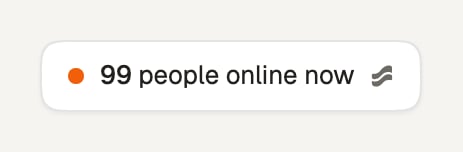
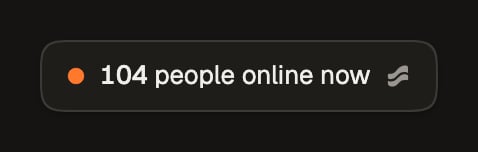
Live visitors pill
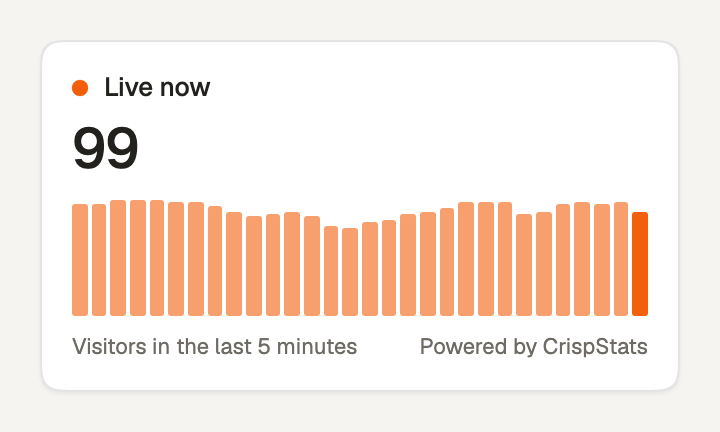
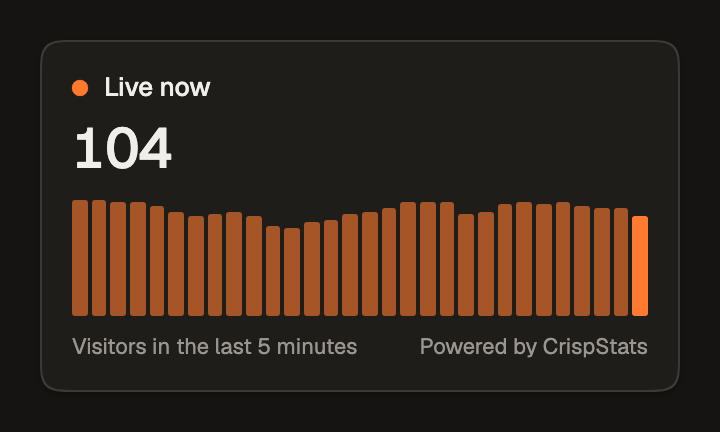
Live visitors card
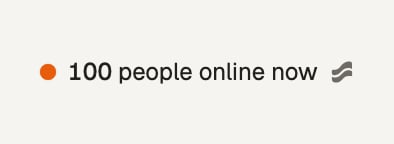

Footer pill: size Small, plain style
Layouts
Label replaces the words after the number: with the label
people reading now, the pill reads 14 people reading now, and the card’s heading changes too. Put your site’s name in the label if you want it on the pill, such as readers on Quillbook. A label has at most 40 characters and no digits: numbers come from your data. If a label is too long for the pill’s size, the widget screen says “This label is cut off at this size. Pick a larger size or a shorter label.” and the pill would end it with an ellipsis.
Small numbers
A count of one or two people tells a visitor more than it should, and it looks empty. Hide below sets the floor (default 3, from 1 to 20). Under it, Below the floor decides what shows:
A hidden widget takes no space on your page. The number never leaves CrispStats while it is under the floor, not even in the JSON.
Countries follow a floor of their own: a country appears only with at least 3 visitors on the site right now, and the card shows at most 3. Country names only: no cities, regions or flags.
How it stays current
The script asks for a new count about every 30 seconds, give or take a fifth so that many pages do not ask at the same moment, while the widget is on screen and the tab is visible. It stops after 40 updates on a page left open and starts again when the reader comes back to the tab. Screen readers hear the new count at most once a minute. The collector answers from the live presence it already keeps for the Realtime view and caches the answer for 10 seconds, so asking more often does not make the number more current.Add it
- Open Settings, Sharing and widgets and pick Live visitors pill, Live visitors card or, for a footer, Footer pill (small, in the plain style, hidden below the floor).
- Set the label, the floor and the style, then select Create widget.
- Copy the code from the HTML tab and paste it where the count should show:
cs_wd_7Hq2Lx9PzK4mVt8RbN3cW1yD. Other forms are on Embed a widget.
The live visitor badge
The older live visitor badge, a snippet that fetches one number from/live/<site id>/count, keeps working for pages that already use it. Widgets replace it for anything new: they need no code of your own, hide small numbers and come in every format.
Next steps
Traffic figures
Visitors, pageviews and sessions over a range.
Embed a widget
The iframe, README, Notion and React forms.
Watch visitors live
The Realtime view behind the count.