

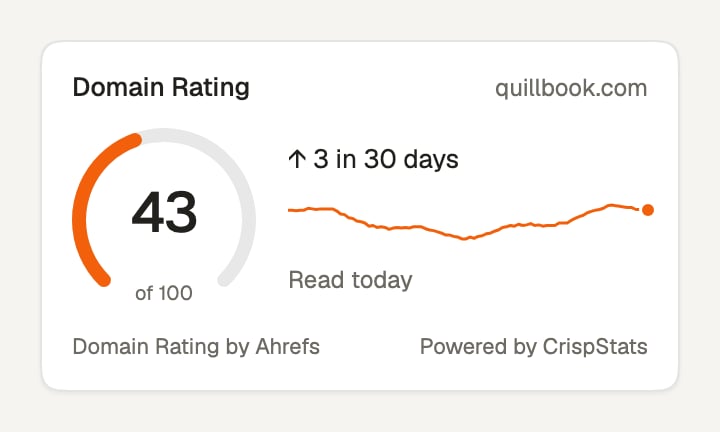
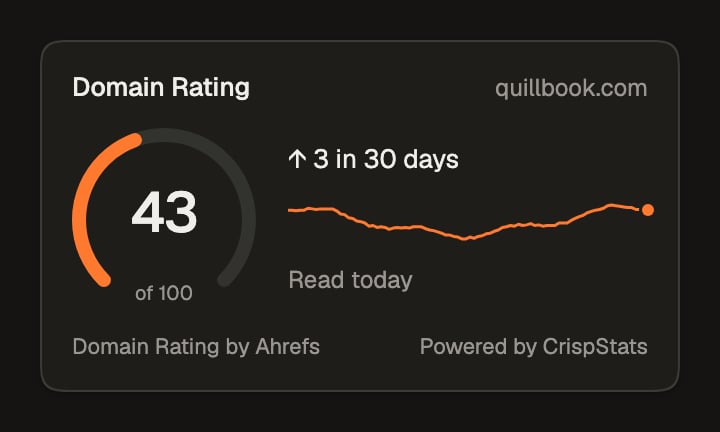
Domain Rating card
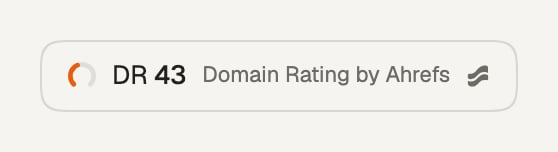
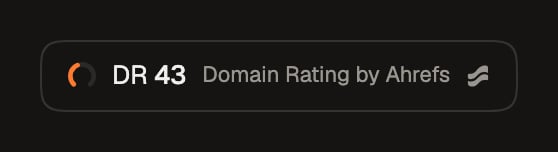
Domain Rating pill, outline style
Where it shows
- Widgets: a card with a gauge, a one-line pill, or a badge for a README.
- Site summary: a card with your visitors in the last 30 days and the rating side by side, with a donut, over a 30-day line.
How often it is read
The first reading does not wait for the schedule. When you create a Domain Rating or site summary widget for a site that has never been read, CrispStats asks Ahrefs straight away, usually within a few seconds; it tries at most once an hour per site.
Each reading is the rating Ahrefs reports that day. The change compares with the reading about 30 days earlier, so it appears once a month of history exists. The 90-day line needs at least 14 daily readings, which only daily reads build up: create a widget if you want the line.
Why it can be missing
The rated domain is your site’s domain without
www. and without a port. A subdomain is rated as itself: a site on app.quillbook.co.uk shows the rating of app.quillbook.co.uk. If you change the site’s domain, the rating starts again for the new one.
Only your own domain
CrispStats reads the Domain Rating of the domains of sites that exist in CrispStats, each at most once a day, and nothing else. There is no screen, API endpoint, MCP tool or parameter that looks up any other domain. The request to Ahrefs carries the domain and nothing more: no site id and no visitor data. The reading and its history are stored with the site and deleted with it. Domain Rating is public information about a public domain, so a Domain Rating widget needs no consent step. What becomes public still lists it: your Domain Rating from Ahrefs and the day it was read, its change over 30 days and the 90-day line when they are on, and your site’s domain.Attribution
Ahrefs’ licence asks that “Domain Rating by Ahrefs” appear next to the number wherever it is shown, with “Ahrefs” linking tohttps://ahrefs.com/. CrispStats does this everywhere, on every plan, in addition to our own credit:
Switching off Credit on a paid plan removes our credit only. The Ahrefs line stays, and a Domain Rating widget has no Label for the pill or the badge, so the wording cannot change. The card’s heading can take a label. There is no Ahrefs logo anywhere, and nothing suggests Ahrefs endorses your site or CrispStats.
The widget


Badge, flat


Badge, crisp
Add the widget
- Open Settings, Sharing and widgets and pick Domain Rating card, Domain Rating pill or, for a README, Domain Rating badge. A note above the controls repeats that the Ahrefs line always shows.
- Select Create widget. If the site has no reading yet, this is when it is read.
- Copy the code. On a page, the script draws the card with both links:
cs_wd_7Hq2Lx9PzK4mVt8RbN3cW1yD. Other forms are on Embed a widget.
Next steps
Widgets
Every kind of widget, the styles and the limits.
Embed a widget
Script, iframe, README, Notion, shields.io and React.
Data collected
Everything CrispStats stores, and for how long.